Brand Assets
The mark
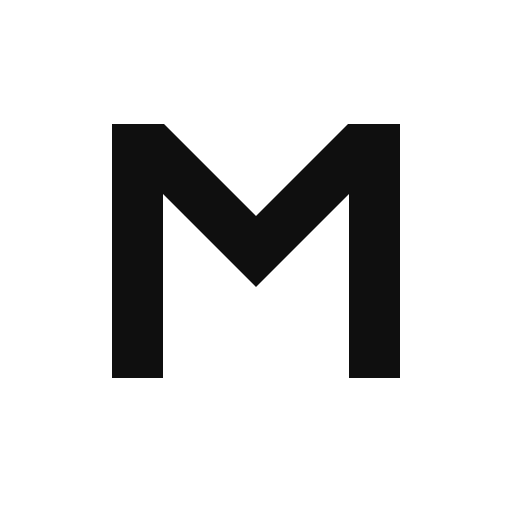
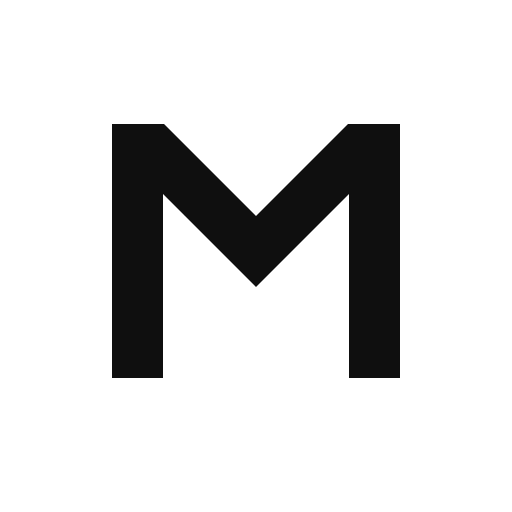
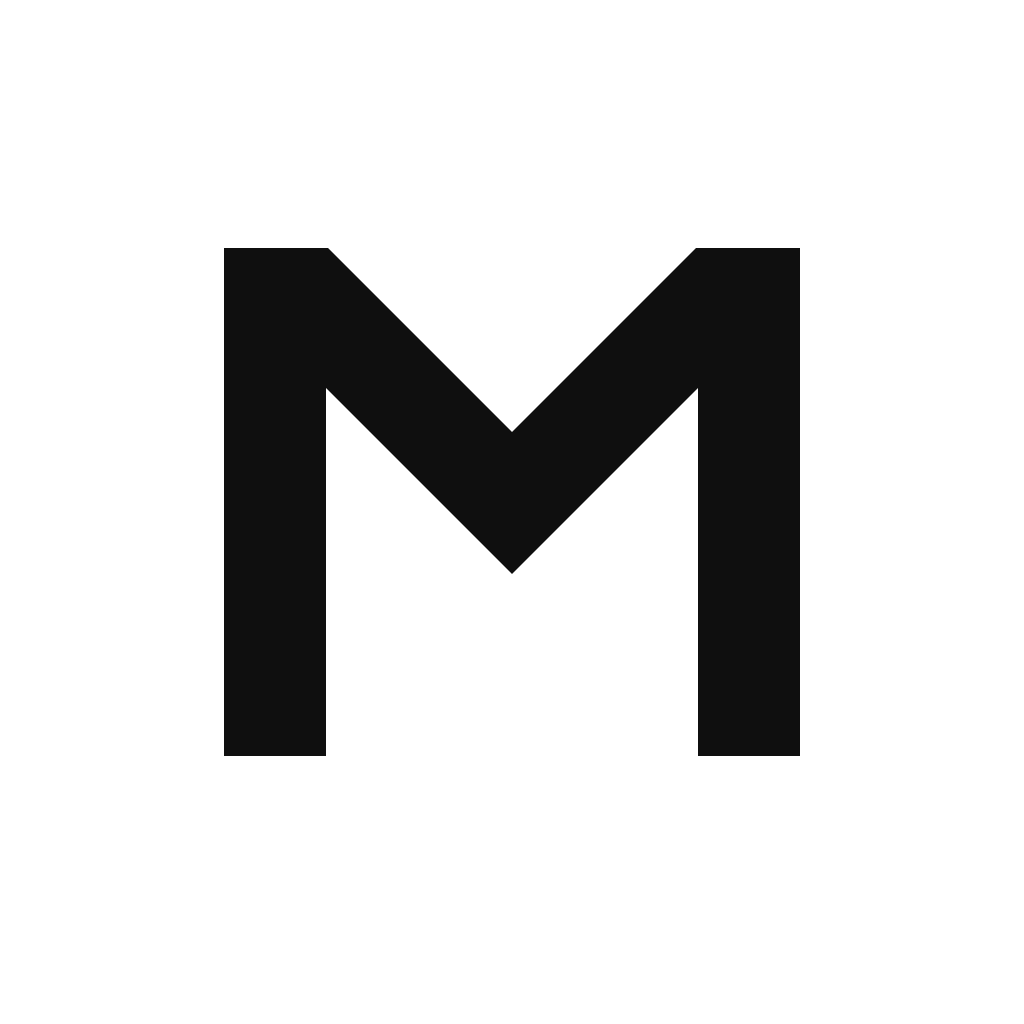
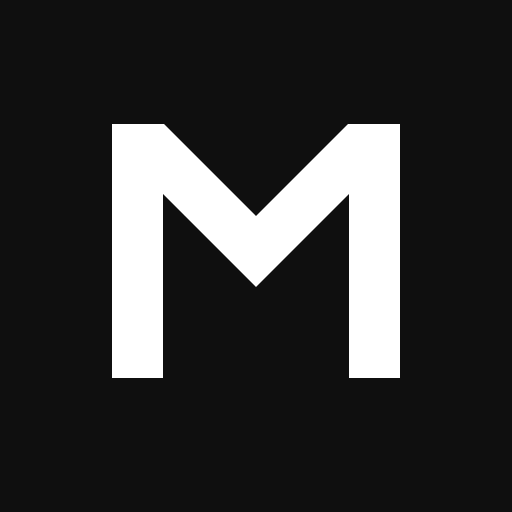
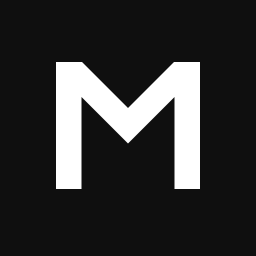
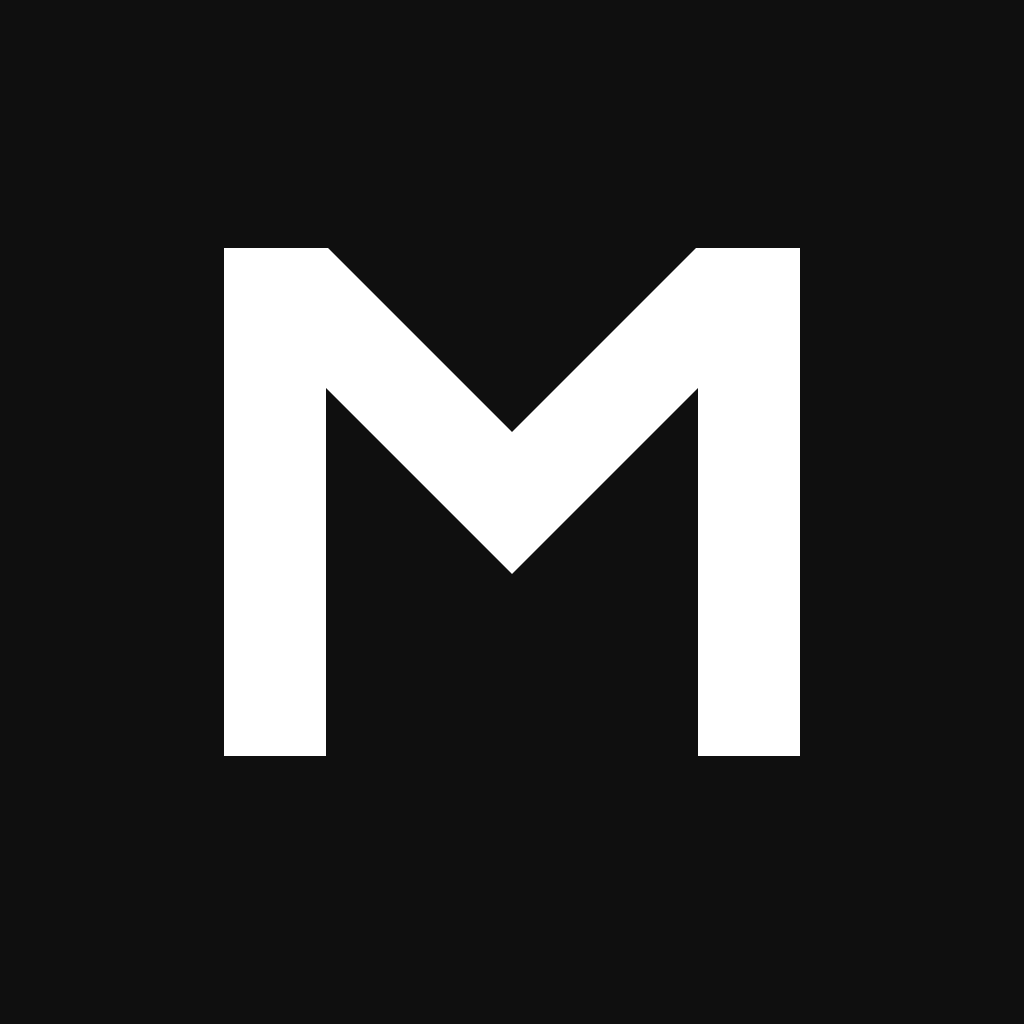
The Multify mark is a geometric M on a square canvas — the same icon as the PNGs below. Pull the SVG when you need it to scale. Use the dark mark on light backgrounds and the white mark on dark ones.
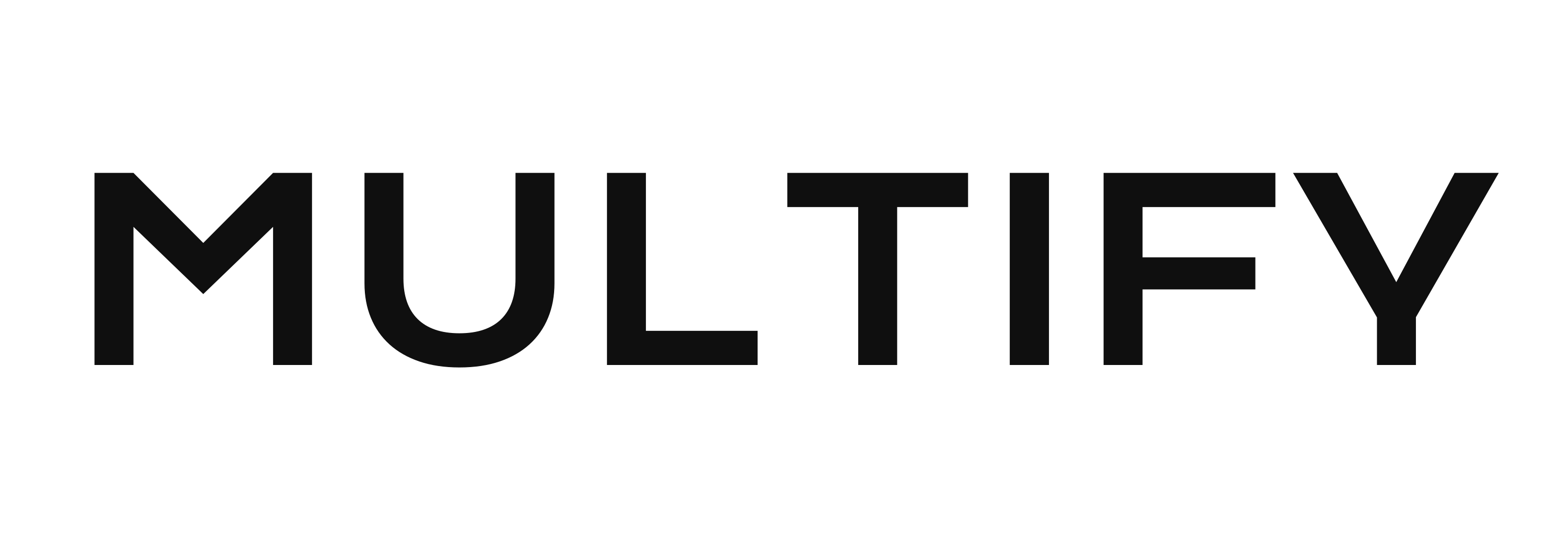
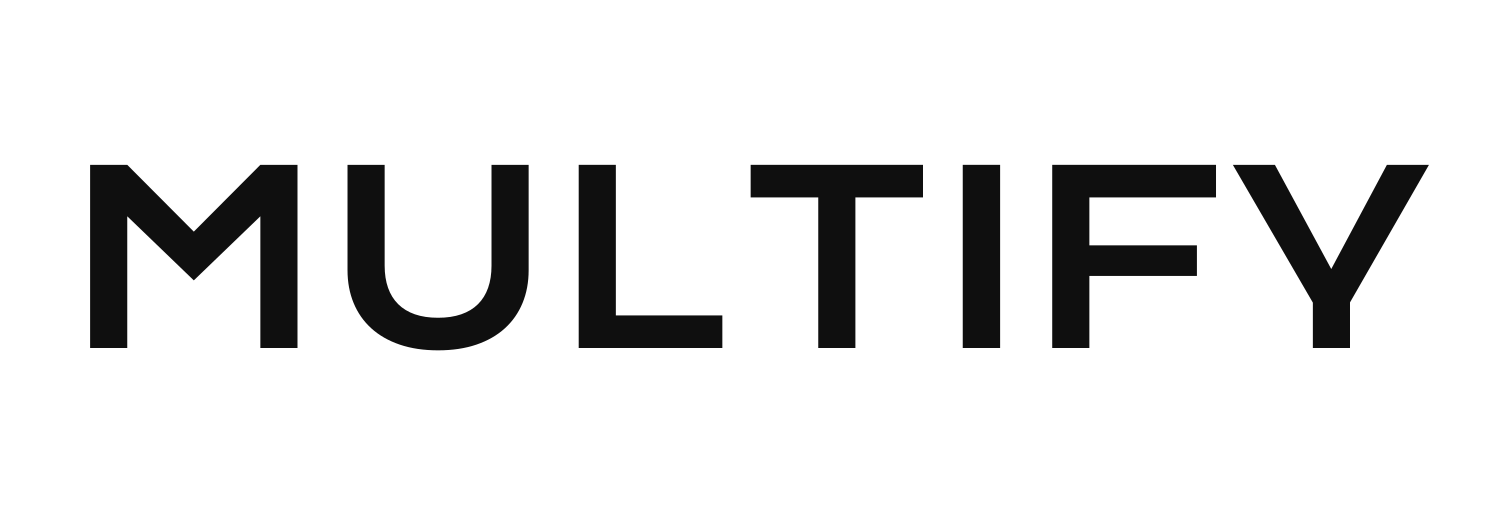
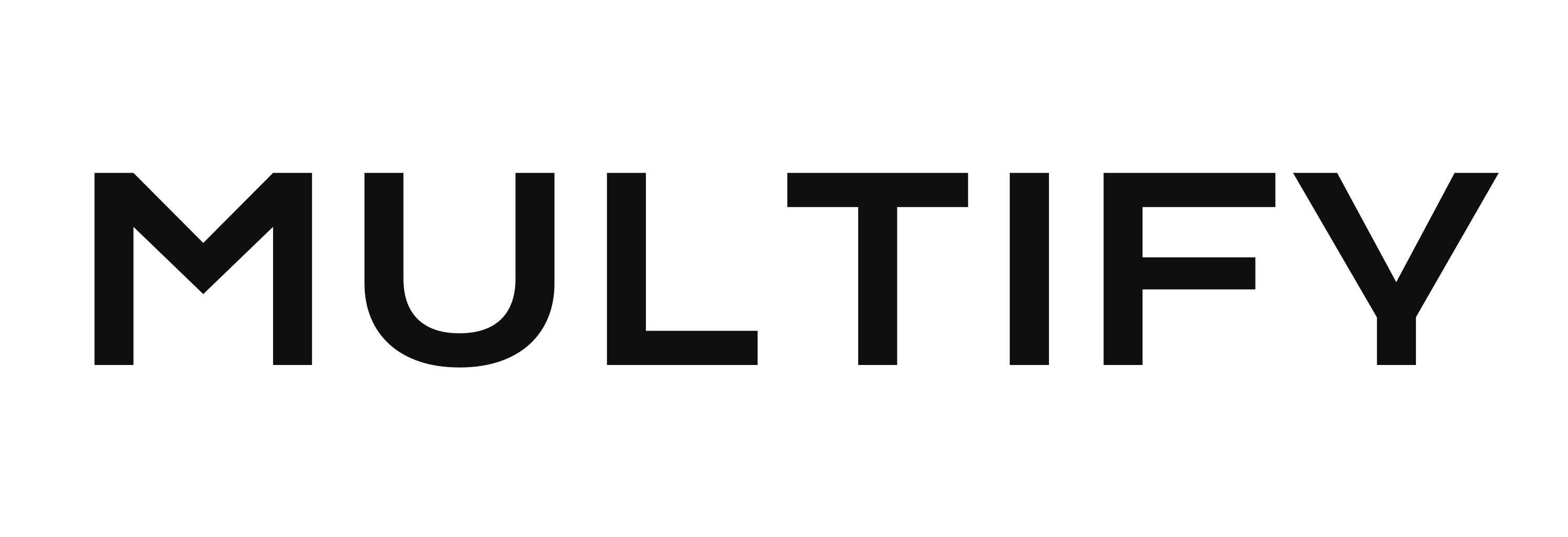
The wordmark
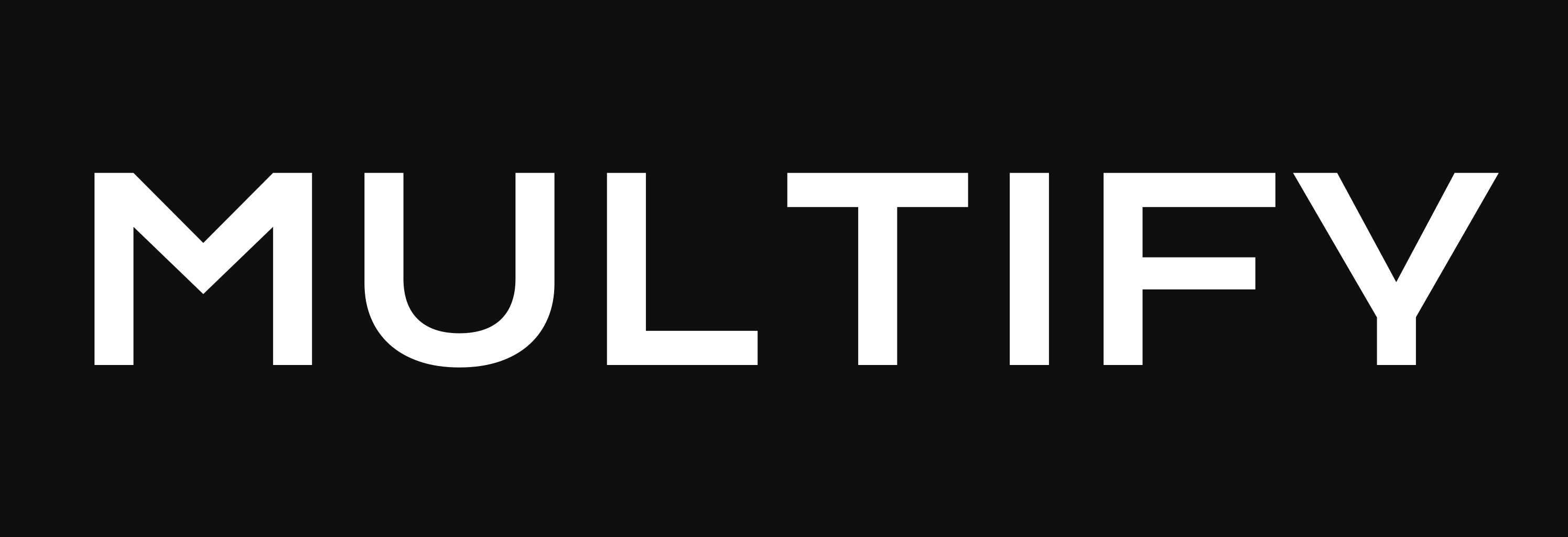
MULTIFY is always set in Krona One, all caps. Use the wordmark when the name stands on its own — a page header, a sponsorship line, the top of a document.
The lockup
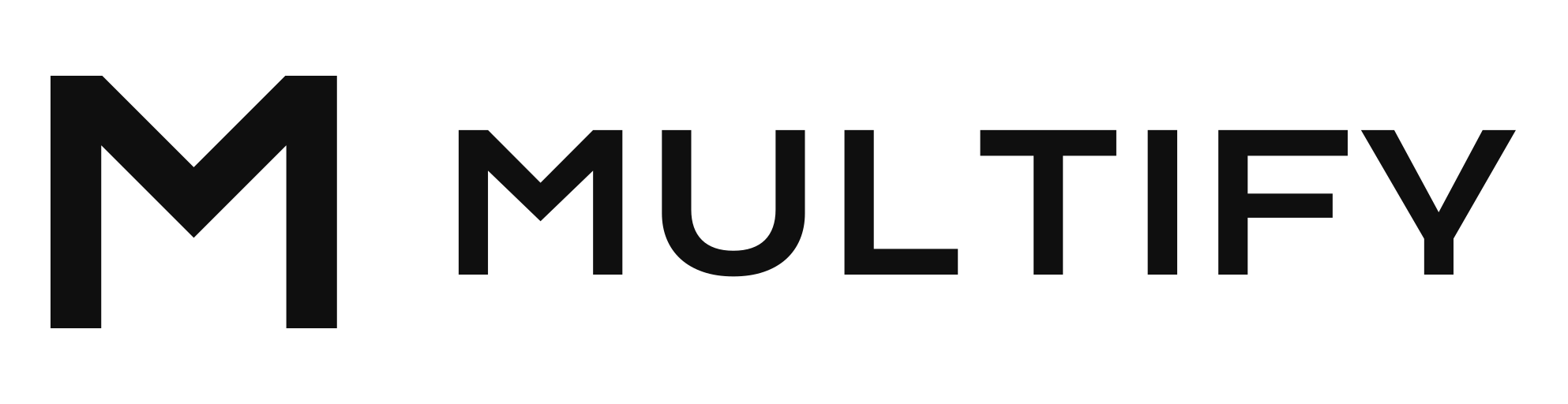
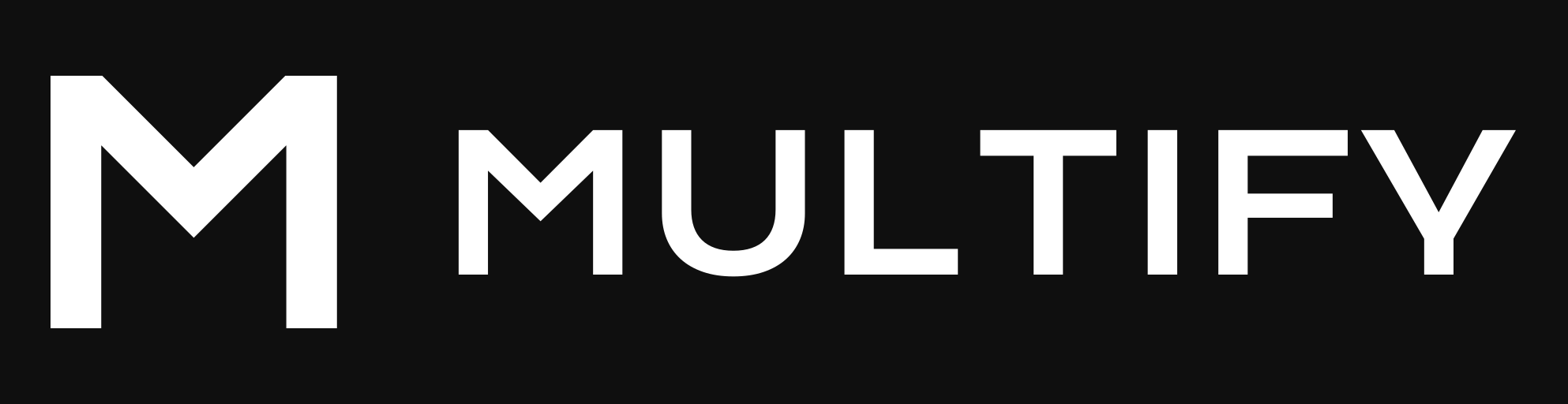
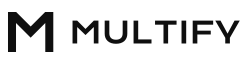
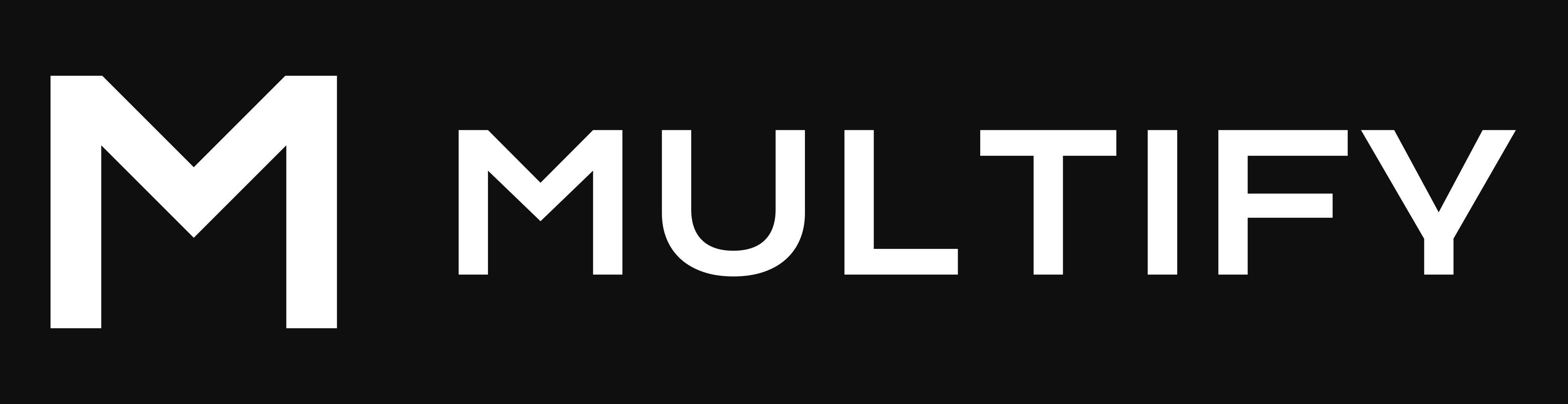
The lockup pairs the mark with the wordmark. Use it when the icon and the name should appear together — a partner page, a press header, a slide title.

















Clear space and minimum size
- Leave clear space on every side at least as wide as one stem of the M. Type, rules, and the edge of the page stay outside that space.
- Smallest sizes: mark 16px, wordmark 96px wide, lockup 140px wide. Under the lockup minimum, use the mark or the wordmark on its own.
Colors
The logo is only ever ink or paper.
#0F0F0F#FFFFFF#808080#0F0F0F— Multify Ink. The dark glyph, and primary text.#FFFFFF— Multify Paper. The white glyph, and the page ground in light mode.#808080— Multify Gray. Secondary text and interface accents. The logo stays ink or paper.
Type
- The wordmark and headlines — Krona One.
- Body text and interface — Instrument Sans.
Ground rules
- Keep the mark in Multify Ink or Multify Paper, at its original proportions.
- Keep the wordmark in Krona One, all caps, with its original letter spacing.
- Place the dark glyph on light backgrounds and the white glyph on dark backgrounds.
- Describe the relationship accurately. “Works with Multify” is the right line when that is true.
Direct links
Every file above is a normal URL, so a person or an agent can fetch it. Start with the manifest when you want the full set — it lists each file with its kind (mark, wordmark, or lockup), glyph color, background, pixel size, and URL:
https://docs.multify.co/brand-assets/manifest.jsonThe SVG masters:
- Square icon: dark, transparent · white, transparent · on white · on black
- Wordmark, dark · Wordmark, white
- Lockup, dark · Lockup, white
PNG heights are the number in the filename. A transparent file has no background. “On white” and “on black” already include a solid ground. White glyphs on a clear background use light-on-transparent in the name. A 16px mark, for favicons, is in the manifest alongside the sizes linked above.